
How it works
From account to appointment — in three simple steps
 01
01Apply & Verify
Create your provider account, complete your application, and submit the licensure, insurance, and practice information required for Housa's eligibility review.
Housa may request additional information before making an eligibility decision.
 02
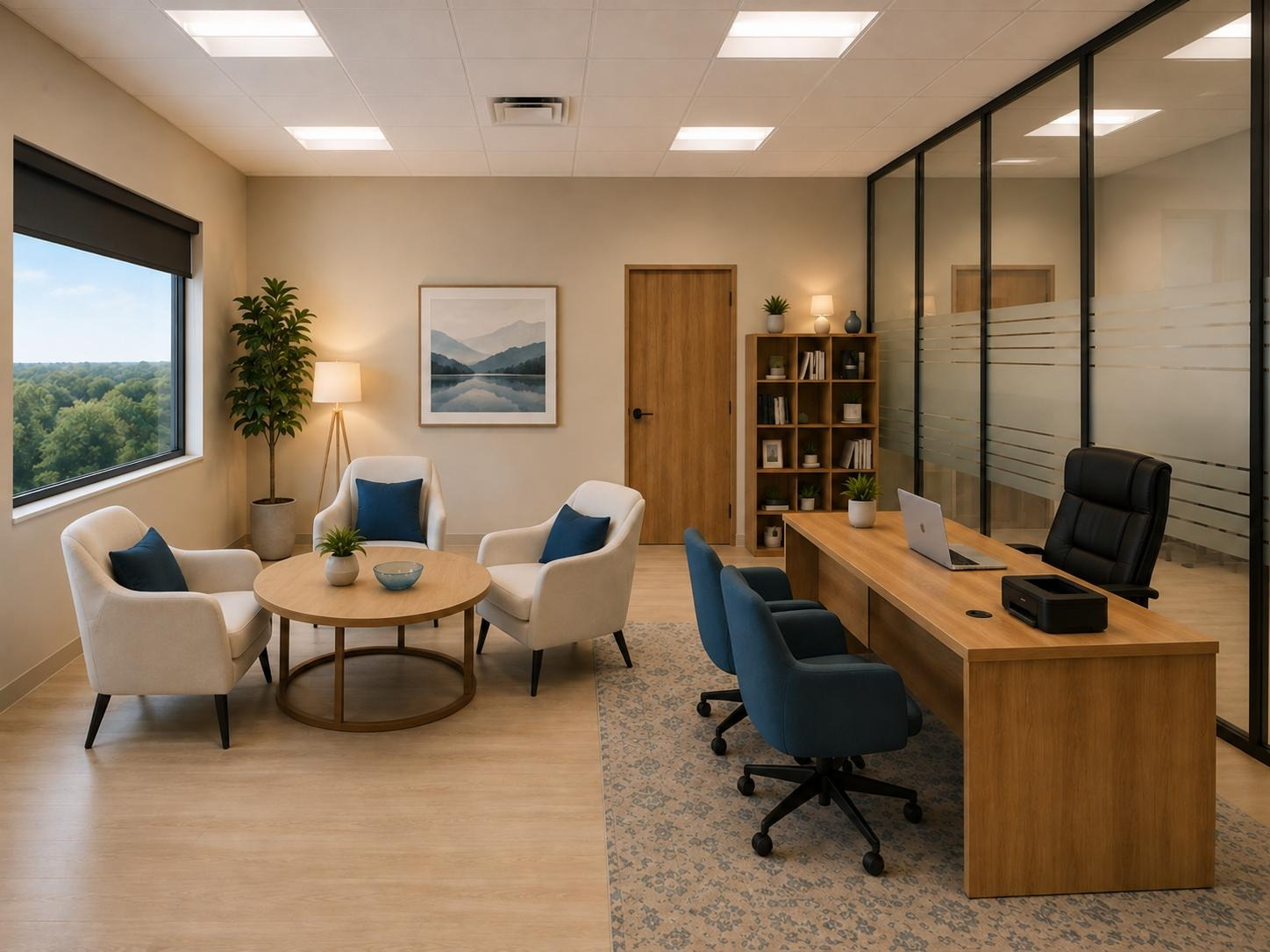
02Choose Your Access
Choose a Facility Access Membership for recurring monthly hours or On-Demand Access when you need space by reservation. Complete the agreements and requirements that apply to your access type.
Booking and other access privileges are not granted automatically and remain subject to Housa approval and applicable requirements.
 03
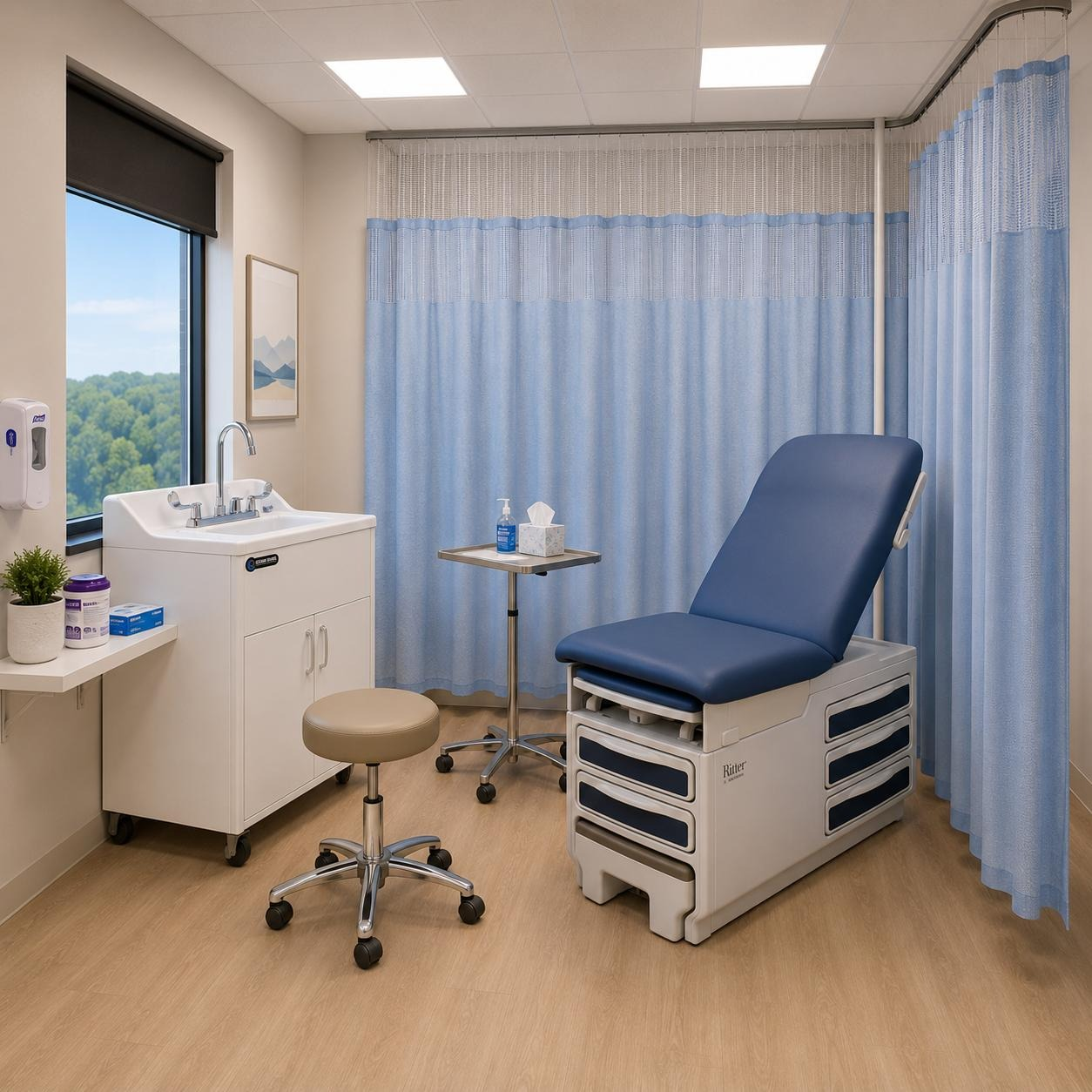
03Book Your Room
Once booking is active, view live availability, choose your room, date, and time, and continue through checkout. Reservations are made in advance and are subject to availability.
Your reservation confirms access to the selected professional workspace for the time you booked.
Before you book
A few things to know
- One-hour minimum. Reservations are made in whole hours.
- Standard hours are Monday through Friday, 9:00 a.m. to 6:00 p.m.
- All rooms and times require advance reservation and are subject to availability.
Housa Health does not collect, store, display, or process patient information or PHI.
Ready to get started?